
Amazon Associates is one of the world’s largest and oldest affiliate marketing programs. It allows anyone bloggers, YouTubers, Instagram creators, Facebook page owners, or website owners to earn money by promoting products. When someone clicks your Amazon affiliate link and buys a product, you earn a commission.
What is Amazon Associates?
Amazon Associates is Amazon’s official affiliate program launched in 1996. It allows creators and marketers to earn commissions by recommending products.
You can promote anything available on Amazon electronics, home appliances, fashion, books, digital products, etc.
Who Can Join Amazon Associates?
Anyone can join the program if they meet these requirements:
You must have a website, blog, YouTube channel, or social media page
You must provide correct details
You must agree to follow Amazon’s policies
You must have original, helpful content
Things You Must Prepare Before Creating an Account
Your Platform
- YouTube channel
- Instagram page
- Facebook page
- Blog or website
- Mobile app
2. Basic Information
- Full name
- Email ID
- Phone number
- Address
- Bank account details for payments
- PAN card (for tax info in India)
3. Content
- Real posts/videos
- Organic engagement
- No copied content
4. Purpose of joining:
- Tech products
- Beauty & fashion
- Home appliances
- Fitness
- Books
- Pet products
- Kitchen items
Step-by-Step Process to Create an Amazon Associates Account
Now let’s walk through the complete process in detail.
Step 1: Visit the Amazon Associates Website
Go to:
https://affiliate-program.amazon.in (for India)
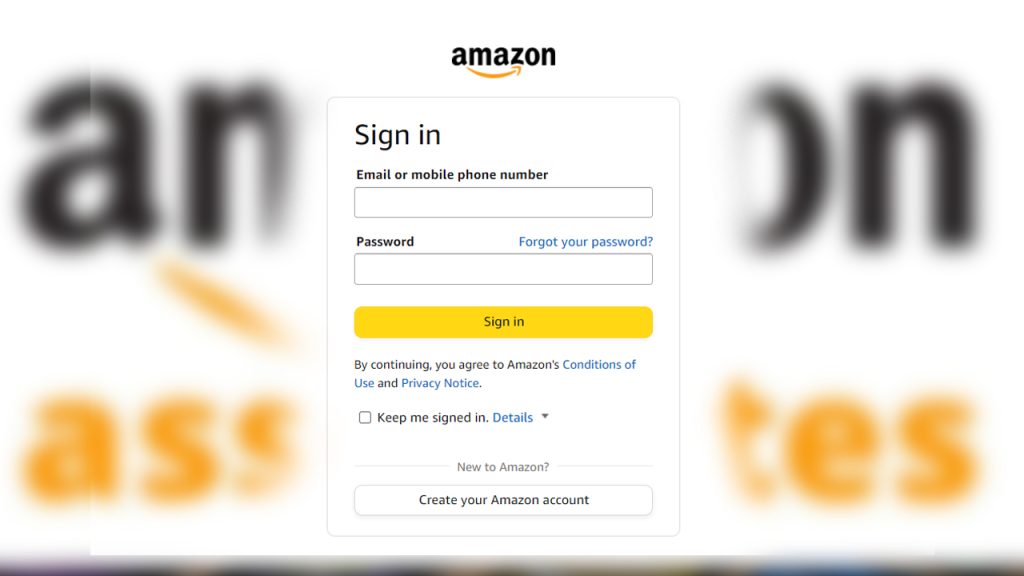
Click Sign Up.
If you already have an Amazon customer account, use that login.
If not, create a new Amazon account.
Enter Your Account Information
You will see the “Account Information” section.
You must fill:
- Name
- Address
- City, state, pin code
- Phone number
Enter Your Website / App / Social Media URLs
Under “Your Websites and Mobile Apps”, add:
- Your YouTube channel link
- Your Instagram page link
- Facebook page link
- Your website URL
Create Your Profile
- What is your preferred store ID?
- What describes your content?
- How do you get traffic?
- Why do you want to join the program?
Questions Amazon may ask:
1. What your site/app is about?
Write a short answer like:
My site provides tech reviews, product comparisons, and buying guides to help customers make informed decisions.
2. What type of products will you promote?
- Electronics
- Smartphones
- Home appliances
- Fashion products
- Kitchen items
3. How do you drive traffic?
- Social media
- YouTube
- SEO
- Direct links
4. How do you create links?
- Using Amazon SiteStripe
- Or the Associates dashboard
5. Monthly traffic?
Choose an approximate number even if low.
Tax Information (PAN Card)
Amazon requires PAN card details for Indian users.
You must fill:
- Legal name (as per PAN)
- PAN number
Payment Setup
You must enter:
- Bank account number
- Bank name
- IFSC code
- Account holder name
Amazon pays through:
- Bank transfer (NEFT)
- Amazon Gift Cards (optional)
Set “Bank Transfer” as default
Your Account is in “Pending Approval” Stage
Amazon gives you 180 days (6 months) to prove that you can generate real sales.
To get full approval:
- You must make 3 qualifying sales
- Sales must be from real customers
- Not from your own account
- Not from your family or friends
How to Create Affiliate Links
To create a link:
- Open any product page
- Click “Text Link” or “Image + Text Link”
- Copy the link
- Share it in your videos, posts, blogs, or WhatsApp groups
Best Platforms to Promote Amazon Affiliate Products
You can promote Amazon products anywhere as long as you follow rules.
1. YouTube
Make videos like:
- Product reviews
- Unboxing videos
- Top 10 gadgets
- Comparison videos
- Budget buying guides
2. Instagram
Post:
- Reels
- Product demo videos
- Story swipe-up links (for accounts above 10K followers)
- Product carousels
3. Facebook
Use:
- Groups
- Pages
- Product deals posts
4. Blogs / Websites
Write:
- Buying guides
- Top 10 lists
- Product reviews
- Comparison articles
5. WhatsApp / Telegram Groups
Share genuine deals and offers.
How to Increase Amazon Affiliate Earnings
Once your account is approved, focus on earning.
1. Promote trending products
Check Amazon’s “Best Sellers” list daily.
2. Create buying guides
People love videos like:
- Best Bluetooth headphones under ₹1000
- Top 5 smartphones under ₹15000
- Best kitchen tools for home
These convert very well.
3. Add multiple product options
Always give:
- Budget option
- Mid-range
- Premium option
4. Share deals every day
Especially during:
- Amazon Great Indian Festival
- Prime Day Sale
- Diwali sale
5. Use catchy thumbnails and titles (YouTube)
This boosts CTR, meaning more clicks and sales.
Common Mistakes That Lead to Rejection
Avoid these mistakes:
Using fake traffic
Asking friends/family to buy
Promoting adult or banned content
Posting affiliate links on Amazon reviews
Shortened URLs
Sharing links in emails
Placing links before your content is ready
Whether you are a YouTuber, blogger, or social media influencer, Amazon Associates is the perfect way to start earning online. If you follow the steps and avoid violations, you will get approved quickly and can start generating commissions immediately.